Turn a photo or3D draft into arealistic render
Upload a phone photo, a SketchUp or Blender screenshot or a clay render. MeltFlex keeps the layout and camera and makes it photorealistic.
Start Now


From Flat Draft to Photorealistic Render
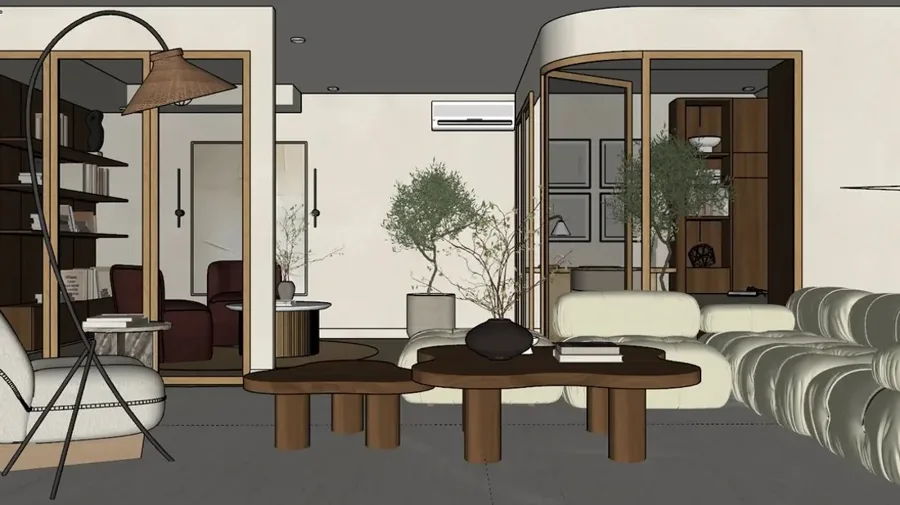
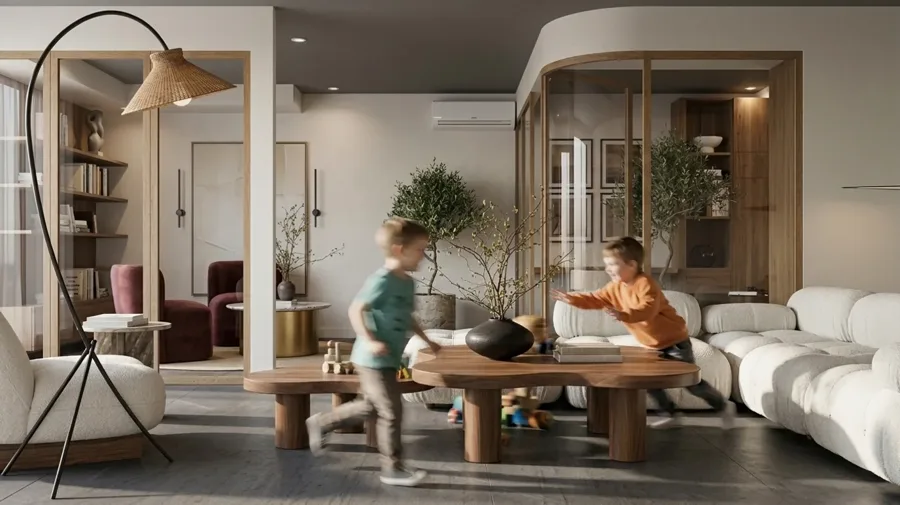
What this tool actually produces
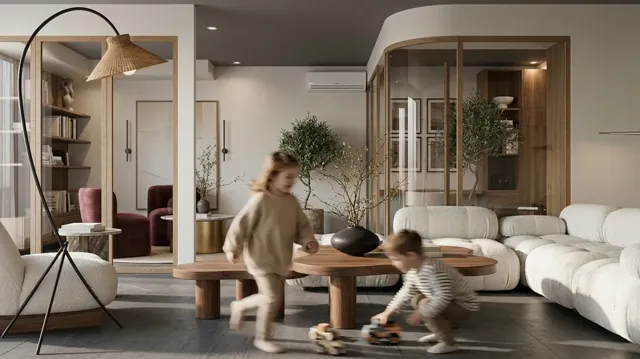
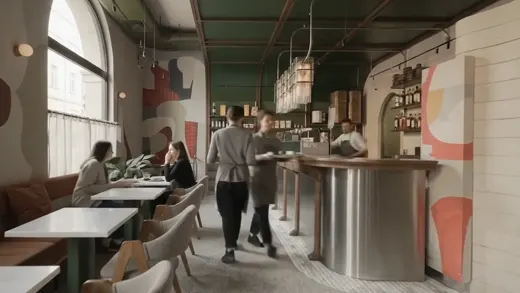
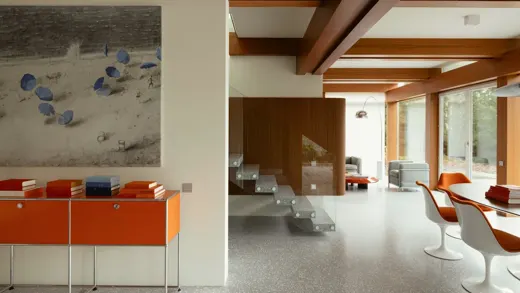
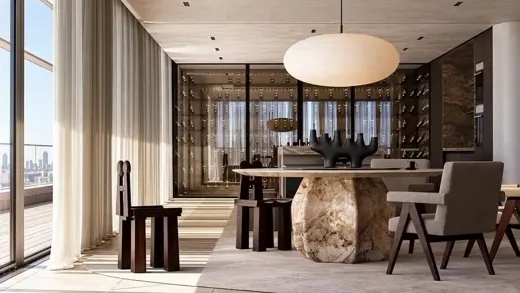
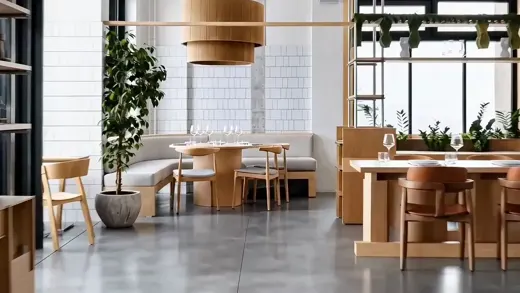
Every image below came out of MeltFlex Photo to Render, from one photo and a short brief.
Frequently Asked Questions
What is AI photo to render?
AI photo to render takes any image, a real photo, a 3D model screenshot, a SketchUp or Blender draft, or even a phone snapshot, and transforms it into a photorealistic render. MeltFlex upgrades the lighting, materials, reflections, and overall realism while keeping the exact same layout, furniture, and camera angle.
What kinds of images can I upload?
Real interior photos, flat 3D draft renders, SketchUp and Blender viewport screenshots, clay renders, phone snapshots, and even rough concept images. The AI works best when the image clearly shows the room layout and furniture.
Does it keep my original layout and furniture?
Yes. The AI preserves your exact layout, furniture, architecture, and camera angle.
Is the AI photo to render tool free?
Yes. You can upload an image and generate a photorealistic render for free.
More AI Tools
API & MCP
Use MeltFlex from your own app, or from Claude, ChatGPT and Cursor: https://www.meltflexai.com/api/mcp
Try AI Photo to Render
Upload one photo on meltflexai.com and see the result in seconds. Your first design is free.
Start Now